Physical Address
304 North Cardinal St.
Dorchester Center, MA 02124
Physical Address
304 North Cardinal St.
Dorchester Center, MA 02124


A productive workspace doesn’t have to be expensive or complicated. A few well chosen desk accessories can make your setup more organized, comfortable, and easier to work from every day
Whether you work from home, study, code, create content, or spend long hours at a computer, small upgrades such as a desk mat, cable organizer, laptop stand, cleaning brush, or monitor arm can make a noticeable difference.
In this guide, we’ve selected 15 useful desk accessories for 2026, covering organization, ergonomics, productivity, and everyday convenience. We’ve included options for different budgets so you can improve your setup without buying things you don’t actually need.
Quick tip: Choosing the best desk accessories doesn’t mean filling your workspace with gadgets. The right accessories should solve everyday problems, improve organization, and make your desk more comfortable to use.
| Desk Accessory | Best for | Why it’s useful |
| Desk mat | A cleaner workspace | Protects your desk and creates a dedicated work surface |
| Desk organizer | Decluttering | Keeps stationery and small items at a single place and within reach |
| Laptop stand | Better posture | Raises your laptop to a more comfortable viewing height |
| Monitor arm | Flexible monitor setup | Frees desk space and allows height/angle adjustments |
| Cable management kit | Managing cables | Keeps charging and computer cables organized |
| Keyboard cleaning brush | Cleaning | Removes dust and debris from keyboards |
| Wireless keyboard | Minimal setups | Reduces cable clutter |
| Wireless mouse | Everyday productivity | Provides comfortable navigation without another cable |
| USB hub | Connectivity | Adds ports to laptops with limited connectivity |
| Desk lamp | Focused lighting | Provides better illumination for work and study |
| Headphone stand | Organization | Gives headphones a dedicated place |
| Monitor light bar | Screen based work | Adds desk lighting without taking up much space |
| Footrest | Comfort | Supports your feet during long desk sessions |
| Desktop speakers | Audio | Improves audio for music, videos and calls |
| Webcam | Video calls | Useful for meetings, classes and remote work |
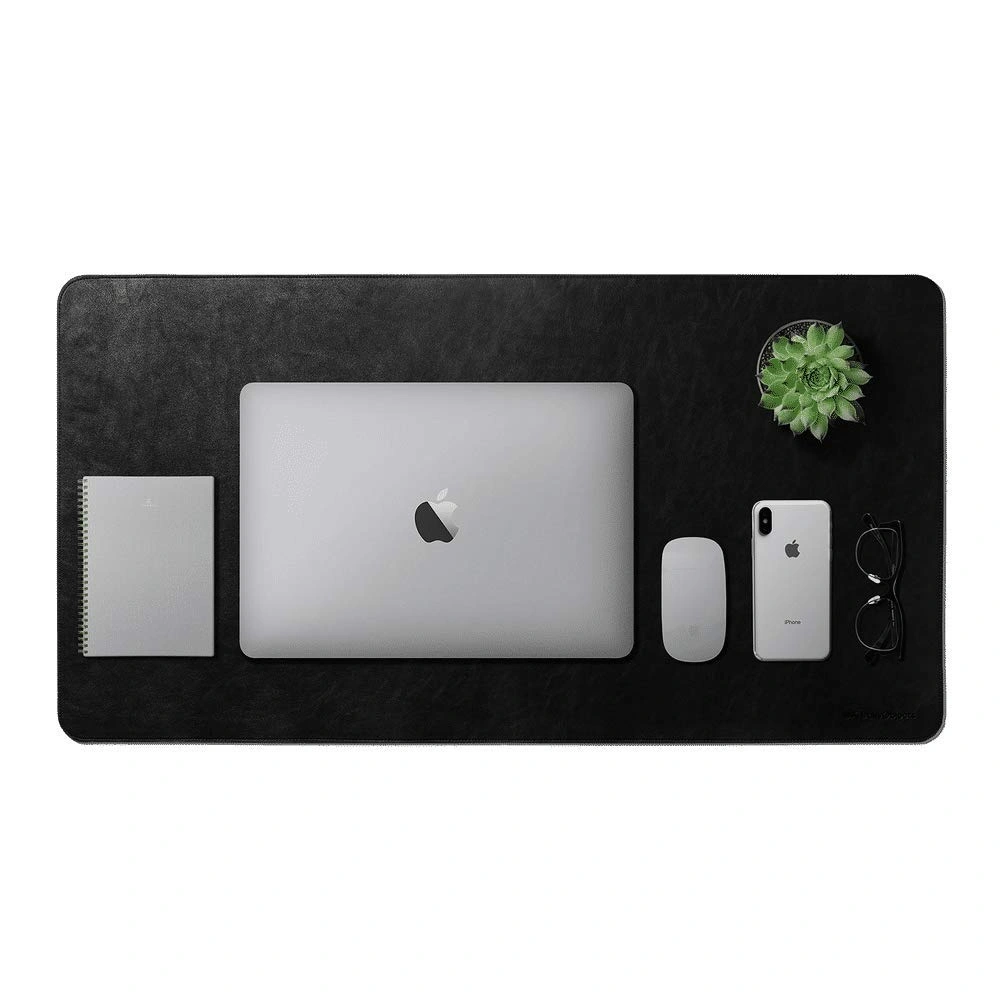
A desk mat is one of the simplest ways to improve the look and feel of a workspace. It creates a defined area for your keyboard, mouse and other frequently used accessories while protecting the desk surface from scratches, spills and everyday wear.
A good desk mat can also make mouse movement smoother and give your wrists a more comfortable surface during long work sessions. For people who prefer a clean and organized desk setup, it can make the entire workspace look more intentional without requiring a major upgrade.
What to look for: Choose a mat that is large enough for your keyboard and mouse, has a non-slip base, and is easy to clean. Water-resistant materials can also be useful if you regularly keep coffee or other drinks near your computer.
Best For:

Pens, notebooks, sticky notes, USB drives and other small items can quickly turn a clean desk into a cluttered one. A desk organizer gives these everyday items a designated place, making them easier to find while keeping your workspace looking tidy.
If you frequently switch between work, studying and other tasks, an organizer with separate compartments can be particularly useful. Look for a design that fits the items you actually use rather than choosing the largest organizer available.
What to look for: Consider the number of compartments, overall size, material and whether the organizer fits comfortably on your desk without taking up valuable workspace.
Best For:
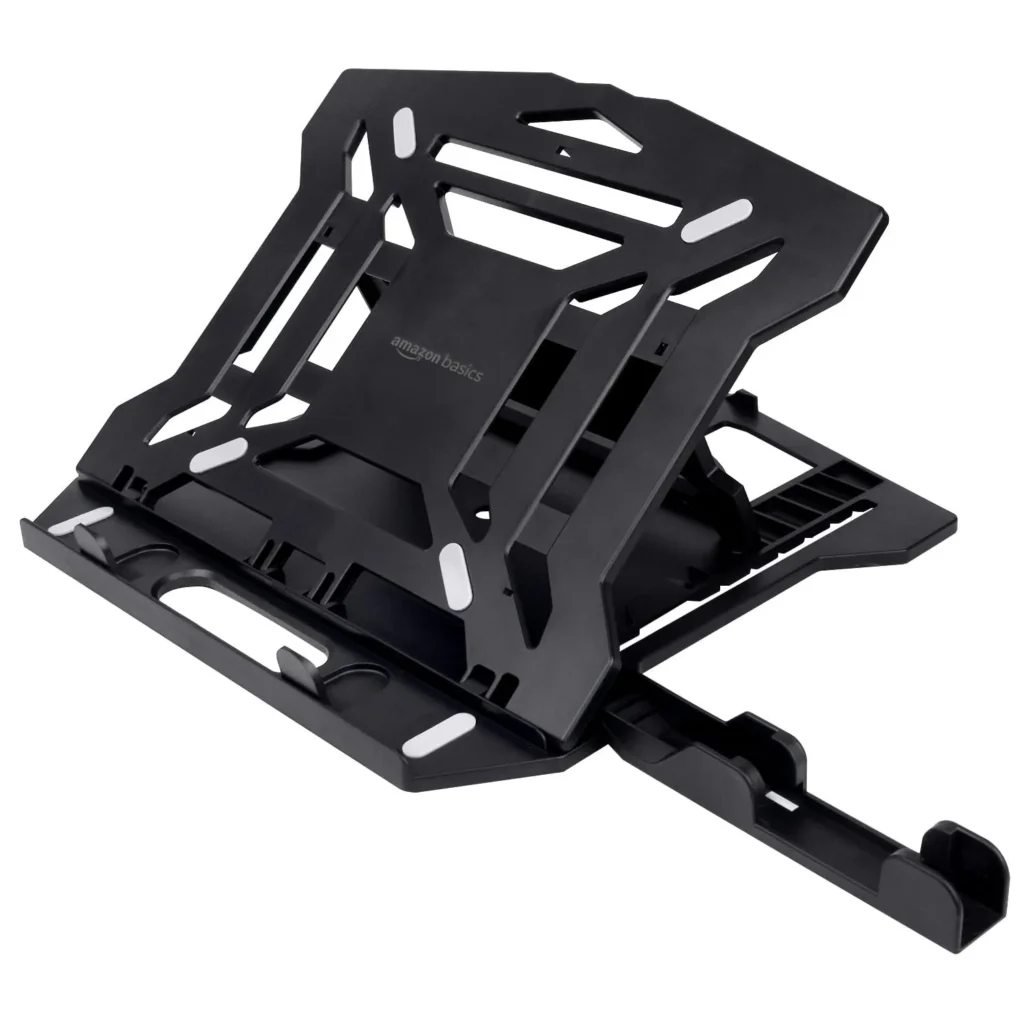
If you regularly work from a laptop, a laptop stand can be one of the most useful additions to your desk. Raising the screen can help you position your laptop at a more comfortable viewing height, particularly when you use an external keyboard and mouse.
Laptop stands are available in fixed, adjustable and foldable designs. A fixed stand can be a good choice for a permanent desk setup, while a foldable model is more convenient if you move between rooms or work from different locations.
What to look for: Check the stand’s weight capacity, adjustability, stability and compatibility with your laptop size. If portability matters, look for a lightweight foldable design.
Best for:
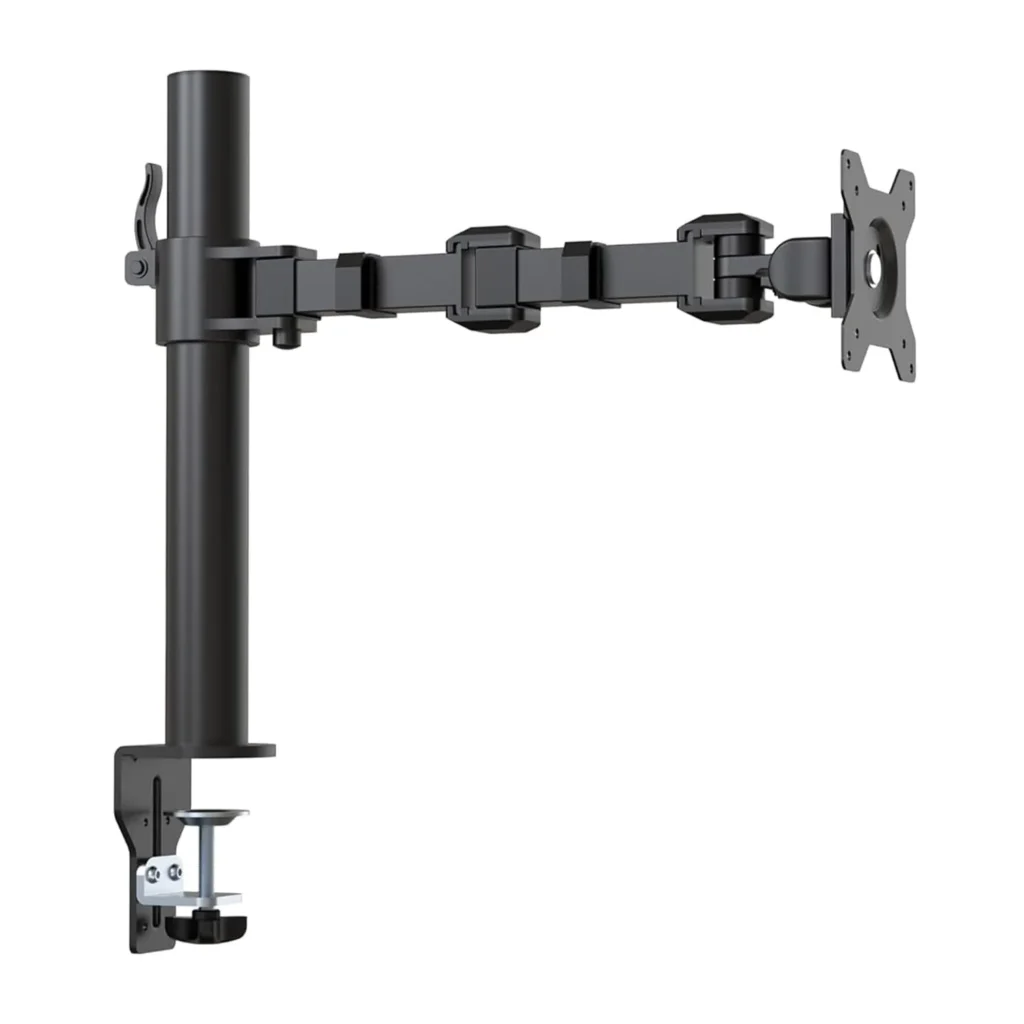
A monitor arm can completely change how you use your desk. Instead of keeping your monitor on its original stand, a monitor arm allows you to adjust its height, viewing angle, and position while freeing up some of the space underneath it.
This can be especially useful on smaller desks where every inch of workspace matters. A monitor arm can also make it easier to position a screen alongside a laptop or a second monitor.
What to look for:
Check the weight and size compatibility before purchasing. You should also consider whether the arm supports the monitor’s VESA mounting pattern.
If you use multiple monitors, a dual-monitor arm can help create a cleaner setup while providing more flexibility for positioning both screens.
Best for:
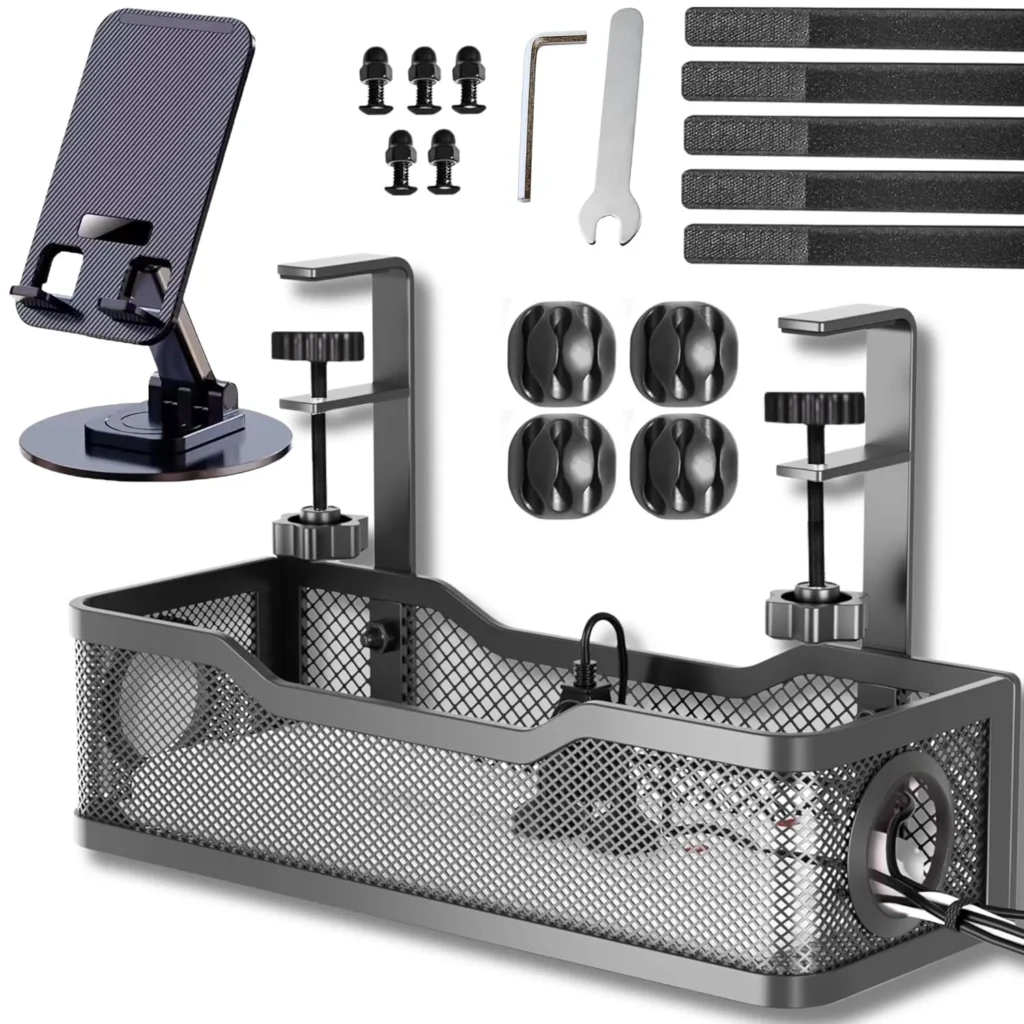
Even an expensive desk setup can look messy when charging cables, USB cables, power cords, and monitor cables are scattered everywhere.
A cable management kit can help solve this problem without requiring a major change to your setup. Depending on the kit, you may get cable clips, sleeves, ties, organizers, or under-desk cable holders.
The goal isn’t necessarily to hide every cable. It’s to keep cables routed where they belong and prevent them from becoming tangled.
What to look for:
Look for reusable cable ties, clips that hold cables securely, and solutions that match the way your desk is configured. If your power strip sits on the floor, an under-desk cable tray can also be useful.
Best for:
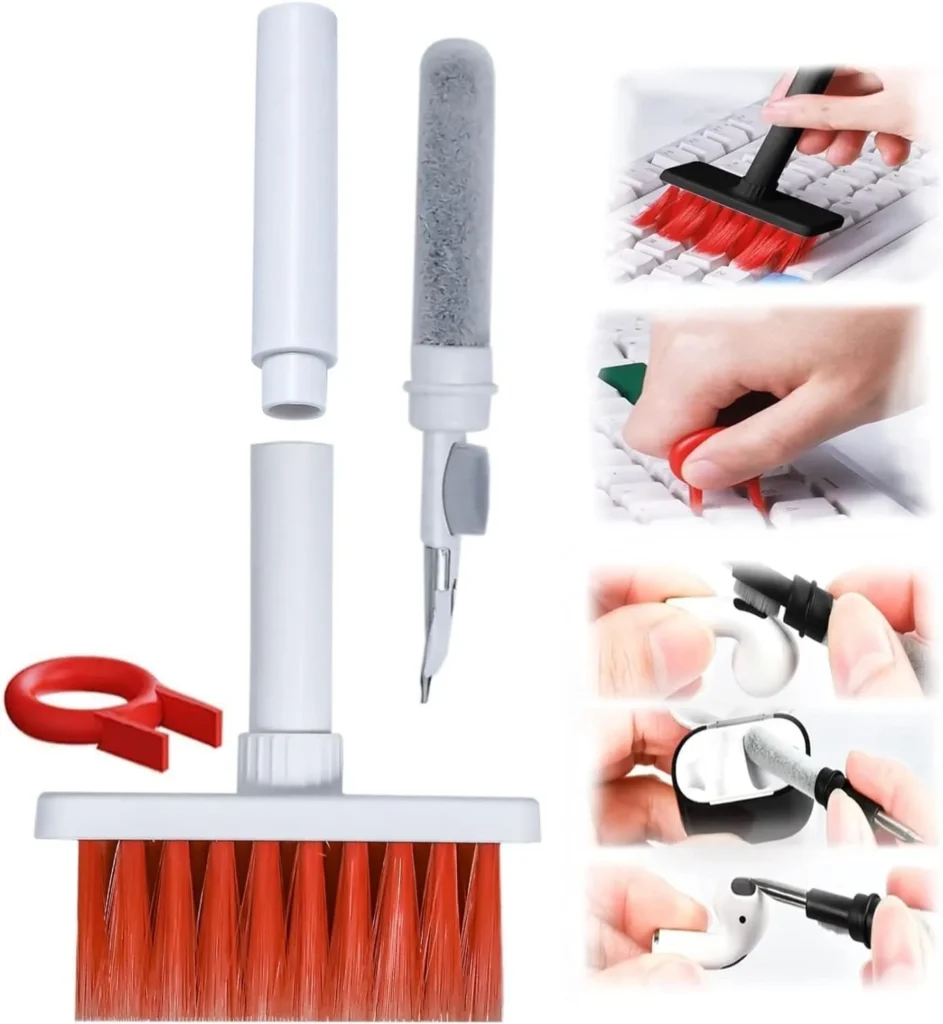
Dust and debris naturally collect around keyboards, laptop vents, monitors, and other desk equipment. A small cleaning brush is an inexpensive accessory that can make regular maintenance much easier.
Unlike using a cloth for everything, a narrow cleaning brush can reach between keyboard keys and into small gaps where dust tends to accumulate.
What to look for:
Choose a brush with soft bristles and a compact design. Some cleaning kits combine brushes with microfiber cloths or other tools, which can make them more versatile.
Best for:
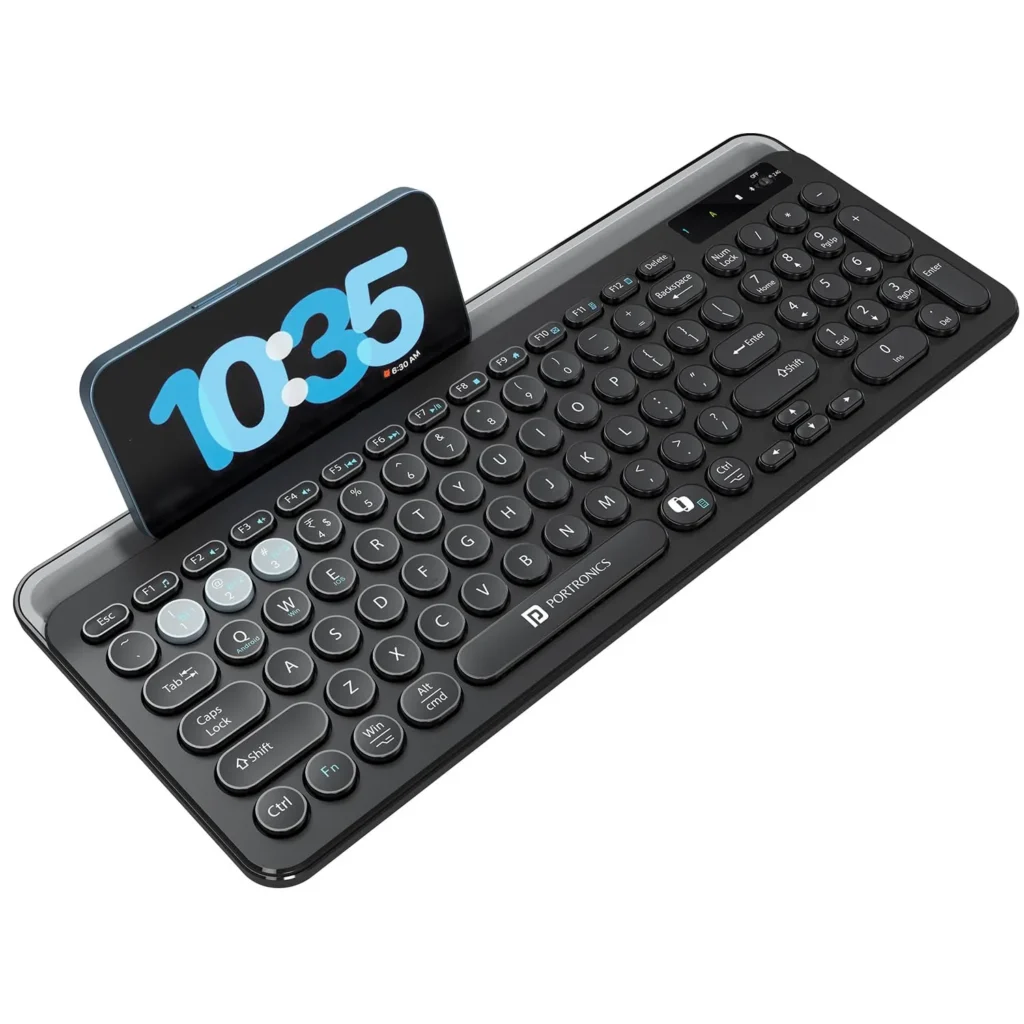
A wireless keyboard can remove another cable from your workspace while giving you more flexibility in how you position your keyboard.
For laptop users, a wireless keyboard can also make a laptop stand much more practical because you can raise the screen while keeping the keyboard at a comfortable position on the desk.
What to look for:
Consider battery life, connectivity, keyboard layout, typing feel, and compatibility with your devices.
If you regularly switch between a laptop, tablet, and phone, a multi-device keyboard can be particularly convenient.
Best for:
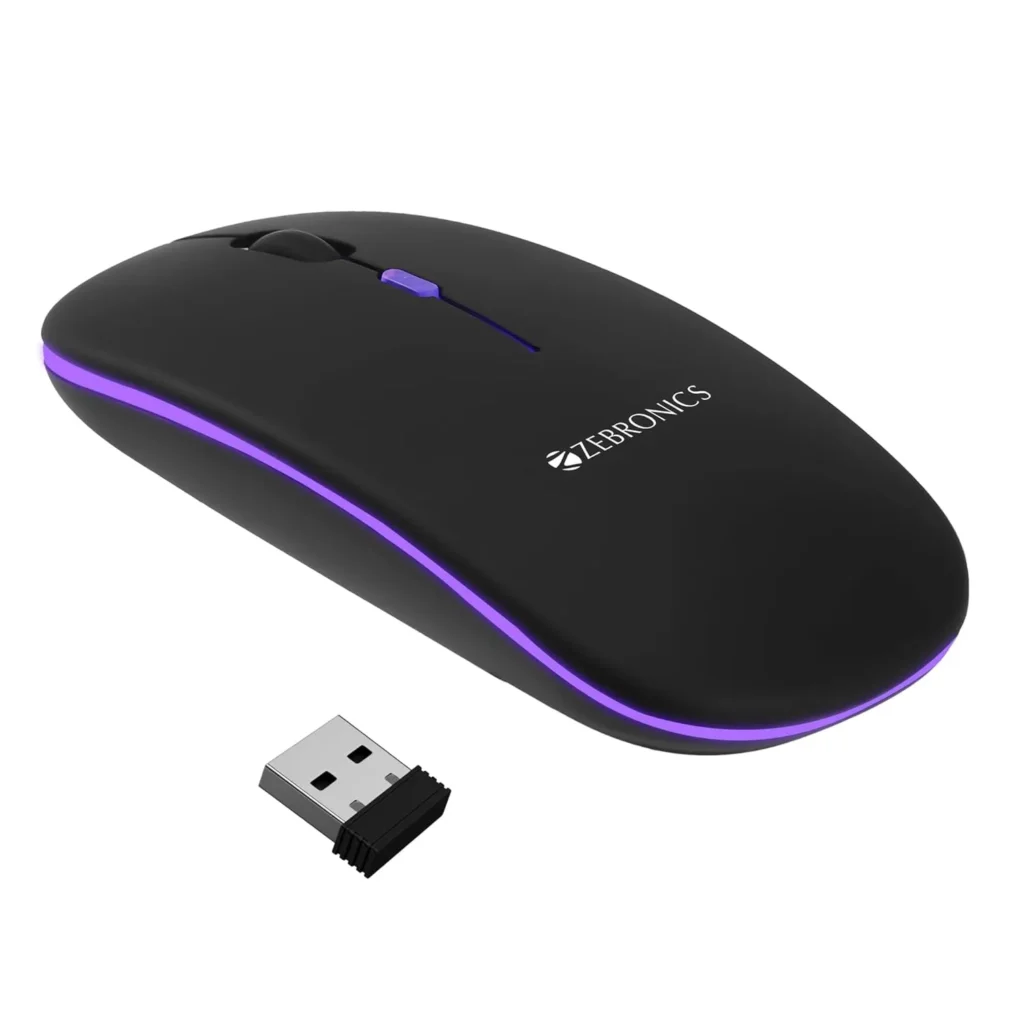
A wireless mouse is another simple upgrade that can make a desk setup less cluttered. It eliminates another cable while providing more freedom to position the mouse exactly where you want it.
For people who spend several hours working on a computer, comfort is generally more important than having the most advanced specifications.
What to look for:
Pay attention to shape, size, sensor performance, battery life, and connectivity. If you’re buying a mouse primarily for productivity, an ergonomic design may be more valuable than gaming-focused features.
Best for:
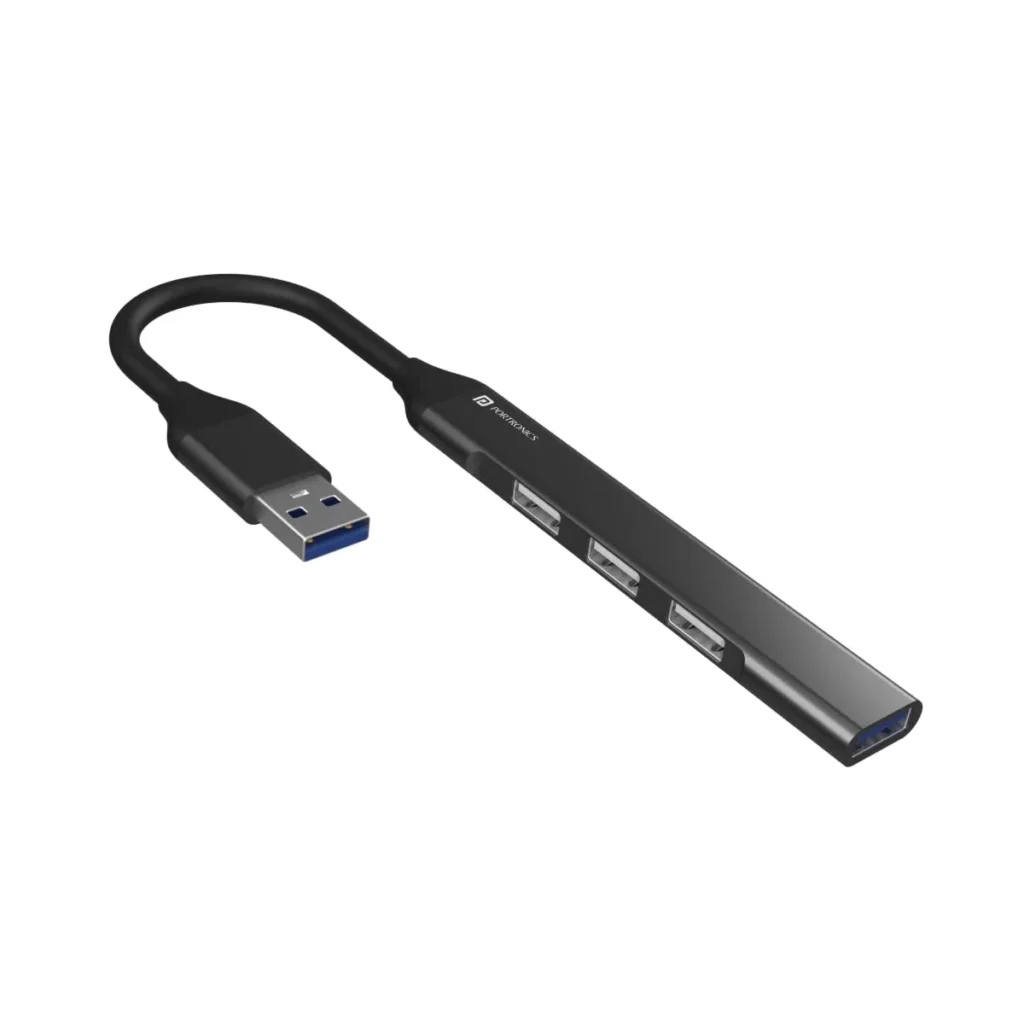
Modern laptops are becoming thinner, and many models now have fewer full-size USB ports than older computers. A USB hub can solve this problem by allowing you to connect multiple peripherals through a single port.
Depending on the model, a hub may provide USB-A, USB-C, HDMI, SD card, Ethernet, or other connections.
What to look for:
Don’t buy based solely on the number of ports. Check the type of ports, data-transfer speeds, display support, power delivery, and compatibility with your laptop.
If you’re using a MacBook or another USB-C-only laptop, make sure the hub provides the connections you actually need.
Best for:
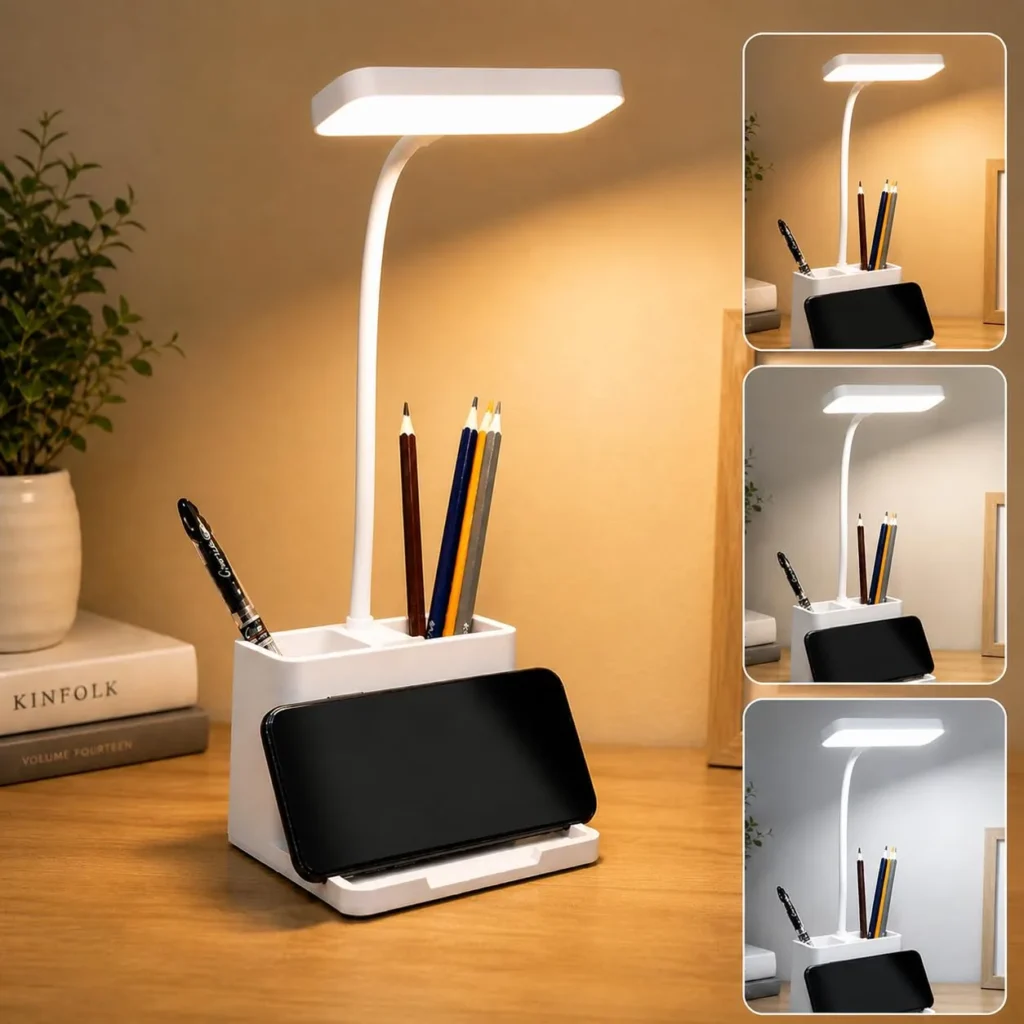
Good lighting can make a workspace more comfortable, particularly if you regularly work in the evening or in a room without sufficient ambient lighting.
A desk lamp provides focused illumination without requiring the entire room to be brightly lit.
What to look for:
Look for adjustable brightness, flexible positioning, and appropriate color-temperature options. A compact design is preferable if desk space is limited.
Best for:
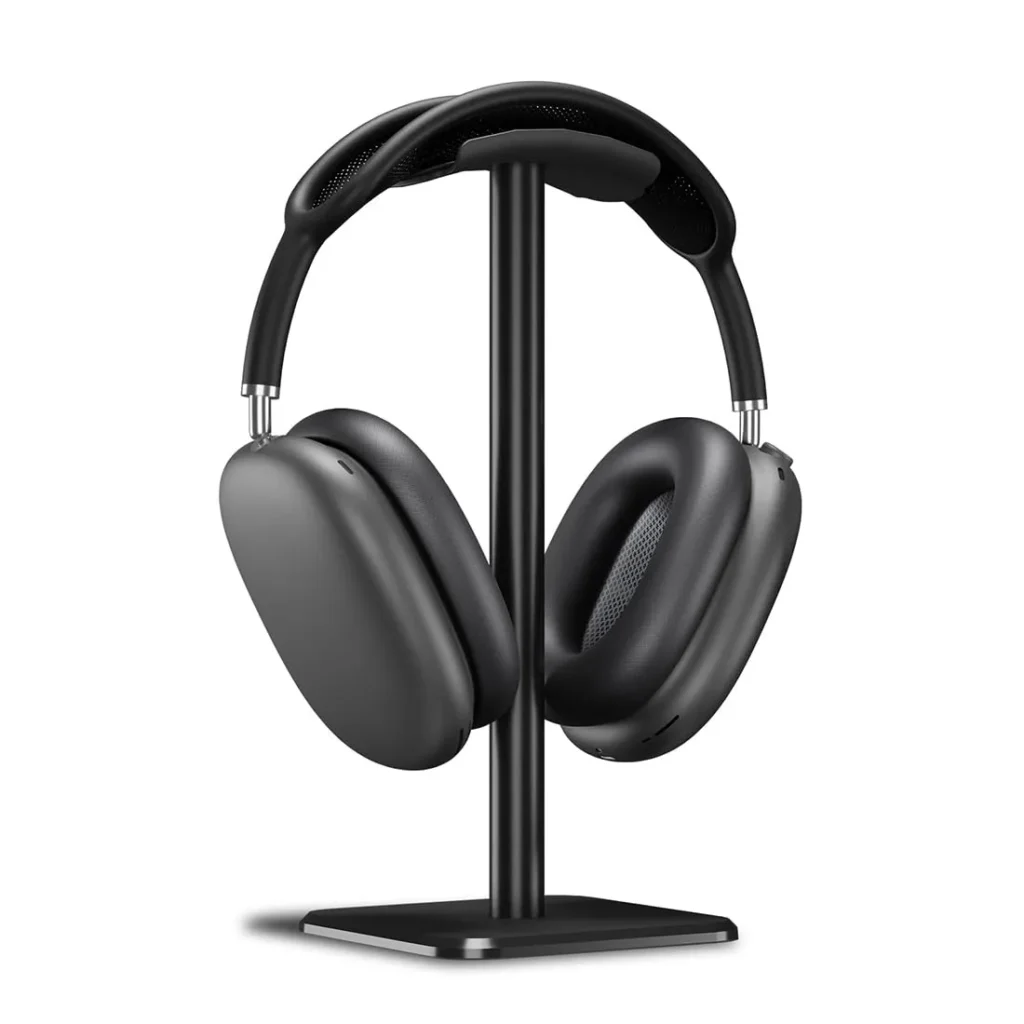
If you use headphones regularly, leaving them on the desk can take up valuable space and make the setup look cluttered.
A headphone stand gives them a dedicated place when they’re not being used.
What to look for:
Choose a stable stand with a footprint that doesn’t unnecessarily consume desk space. Some models also include additional USB ports or charging functionality.
Best for:
A monitor light bar sits above your monitor and illuminates the desk area without requiring a traditional lamp to occupy valuable workspace.
It’s particularly appealing for minimalist desk setups where keeping the surface clear is a priority.
What to look for:
Consider brightness adjustment, color-temperature control, monitor compatibility, and mounting stability.
Best for:
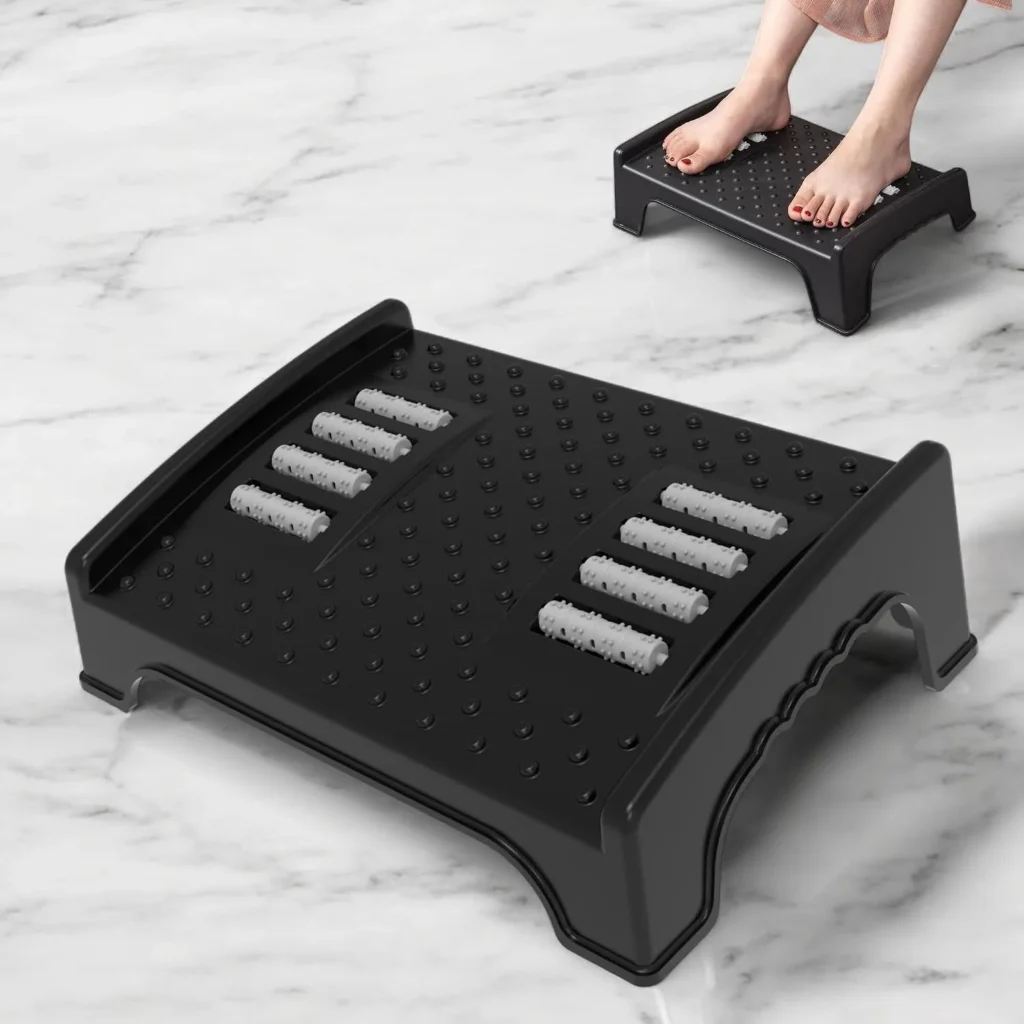
A footrest is easy to overlook when upgrading a workspace, but it can be useful if your chair and desk combination leaves your feet without comfortable support.
A footrest gives you a stable surface to rest your feet and can be particularly useful for people who spend long periods sitting at their desk.
What to look for:
Look for a footrest with a stable base, comfortable surface, and a height that works with your chair and desk.
Best for:
Laptop speakers are convenient, but a pair of desktop speakers can provide a more enjoyable experience for music, videos, podcasts, gaming, and other everyday entertainment.
They’re particularly useful if your desk doubles as both a workstation and entertainment setup.
What to look for:
Consider desk space, connectivity, sound quality, volume control, and whether you need Bluetooth.
If your workspace is small, compact speakers may make more sense than larger models.
Best for:
If your laptop’s built-in webcam produces poor-quality video, a dedicated webcam can be a worthwhile upgrade.
A good webcam can improve video quality for work meetings, online classes, interviews, livestreams, and calls with friends and family.
What to look for:
Look at resolution, frame rate, autofocus, microphone quality, low-light performance, and mounting options. For most work-from-home users, a reliable 1080p webcam is more practical than paying a premium for features they won’t use.
Best for:
A productive workspace isn’t only about physical accessories. The software you use every day can make an equally big difference. If you’re looking to improve the digital side of your workflow, check out our guide to the top productivity software in 2026.
| If you want… | Start with… |
|---|---|
| A cleaner-looking desk | Desk mat |
| Less clutter | Desk organizer + cable management |
| Better laptop setup | Laptop stand |
| More desk space | Monitor arm |
| Better connectivity | USB hub |
| Better lighting | Desk lamp / monitor light bar |
| Better comfort | Footrest |
| Better entertainment | Desktop speakers |
| Better video calls | Webcam |
| A budget upgrade | Desk mat + cleaning brush |
You don’t need a complete desk makeover to create a better workspace. The best desk accessories are the ones that solve problems you actually have – whether that’s cable clutter, limited laptop ports, poor lighting, uncomfortable positioning, or simply too many small items scattered around your desk.
If you’re starting from scratch, begin with the basics such as a desk mat, organizer, cable management solution, and laptop stand. From there, add accessories based on how you use your workspace.
The goal isn’t to have the most expensive desk setup. It’s to create a workspace that makes it easier and more comfortable to get things done.
The most useful accessories depend on your workspace, but a desk mat, organizer, laptop stand, cable management accessories, and a comfortable keyboard and mouse are good starting points.
Yes, when they solve a specific problem. A good accessory can reduce clutter, improve organization, make your workspace more comfortable, or make frequently used items easier to access.
Start with the biggest problem on your desk. If cables are messy, begin with cable management. If your laptop is too low, consider a laptop stand. If the surface feels cluttered, a desk mat and organizer may be more useful.
You don’t need to spend a lot. Useful accessories are available across different budgets, from basic cable clips and cleaning brushes under ₹500 to premium monitor arms, keyboards, and speakers costing ₹1,500 or more.
A desk mat covers a larger portion of your workspace and can provide a consistent surface for your keyboard and mouse while also protecting the desk. A regular mouse pad may be sufficient if you have limited space.
A laptop stand can be useful if you spend long periods working on a laptop or want to raise the screen to a more comfortable viewing height. However, it isn’t essential for every setup.
Cable clips, desk organizers, a desk mat, a laptop stand, and compact storage solutions can help reduce visible clutter and create a cleaner-looking workspace.
It depends on your priorities. Wireless accessories can help reduce cable clutter, while wired accessories don’t require charging and can provide consistent connectivity. Consider how you use your workspace before choosing.
Consider your available space, budget, daily routine, device compatibility, ergonomics, and the specific problems you want to solve. Avoid buying accessories simply because they look good if you don’t have a practical use for them.